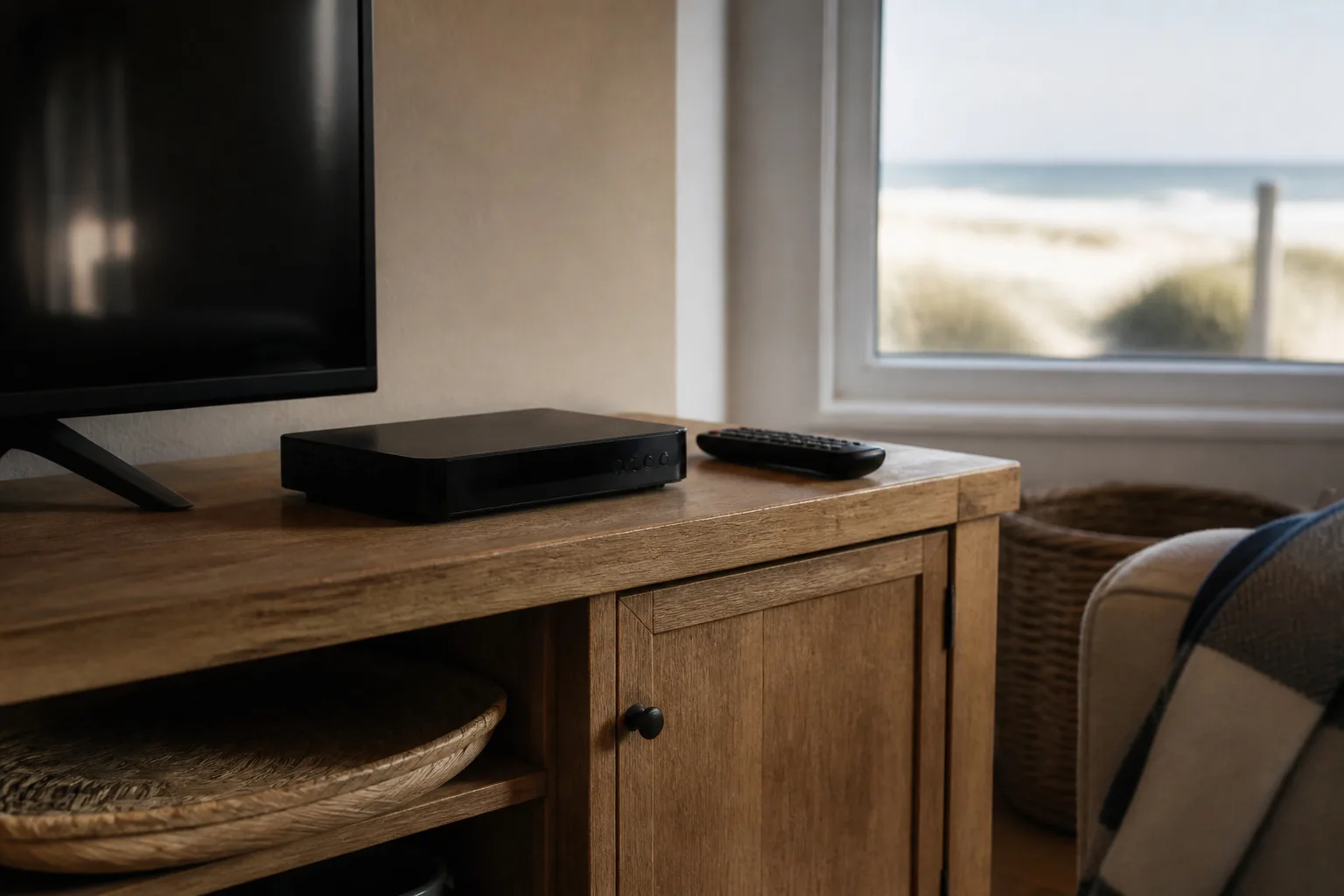
If you're upgrading your DStv decoder, the choice usually comes down to two boxes: the DStv Explora and the newer DStv Ultra. Both record, both stream, and both are a big step up from an old single-view decoder: but they're aimed at slightly different homes. Here's a plain-language look at the differences so you can pick the right one the first time, without paying for features you'll never use.
What they have in common
Both the Explora and the Ultra are connected decoders. Link either one to your internet and you unlock Catch Up, BoxOffice and streaming apps, including Showmax, right on the TV. Both let you record live television, pause and rewind, and set up series links so your favourite shows are always waiting. And both work beautifully as the hub of a multi-room setup. Whichever you choose, the install is the same idea: mount, connect, link your account and tune everything in: which is what our DStv Explora & Ultra installation service covers from start to finish.
Where the Ultra pulls ahead
The DStv Ultra is the current flagship, and it shows in a few areas:
- 4K-ready: if you've bought a 4K TV, the Ultra is the box that can actually feed it the sharpest picture as more 4K content arrives.
- Streaming built in: the Ultra leans into apps, with Showmax and other streaming services integrated more smoothly into the interface.
- A snappier experience: menus feel quicker and the whole box is built around a connected, on-demand way of watching.
If you want your DStv and your streaming to live in one place, on a modern TV, the Ultra is the natural choice.
Where the Explora still makes sense
The Explora is no slouch, and for many homes it's the smarter buy:
- Big recording storage: the Explora is a recording workhorse, ideal if you like to build up a library of series and movies to watch later.
- Proven and familiar: if your household already knows the Explora layout, sticking with it means no relearning.
- Kinder on the budget: it typically costs less, which matters if you're kitting out a holiday home or a second lounge.
A quick way to decide
Ask yourself two questions. First: do you have: or are you about to buy: a 4K TV and want streaming front and centre? If yes, the Ultra earns its keep. Second: is recording lots of content and keeping costs down more important than 4K? If so, the Explora is plenty. For a holiday house where the box mostly handles the basics and the odd recording, the Explora is usually the sensible call; for a main home built around a big modern TV, the Ultra is worth it.
Don't forget the rooms beyond the lounge
Whichever decoder you land on, think about the rest of the house too. Linking extra decoders with an Extra View / XtraView setup means the kids' room, the main bedroom and the patio can all watch their own channels on one subscription: and it pairs neatly with either box.
And if you're rethinking DStv altogether
Some homes don't need a full DStv package at all, or want a free-to-view option alongside it. If that's you, it's worth weighing up the alternatives first: our comparison of DStv vs OpenView lays out the options honestly, including how to run both on a single dish.
A few practical things to keep in mind
Whichever box you choose, a couple of real-world points are worth knowing before you commit. Both decoders need an internet connection to unlock their best features: Catch Up, streaming and the app all rely on it: so if your WiFi is weak near the TV, that's worth sorting at the same time, or the smart features will feel sluggish and unreliable. Both also benefit from being on a stable power supply; out here, where the wind and the grid can both be temperamental, a decoder that's constantly losing power will lose recordings and settings, and a small UPS or surge protection is a cheap insurance policy. If you're upgrading from an older decoder, you generally can't simply carry your old recordings across to the new box, so finish watching anything you've saved before you switch. And if the new box is feeding a 4K TV, make sure it's connected with a proper high-speed HDMI cable: the wrong cable quietly throttles the very picture quality you paid extra for. We sort all of this as part of the install, but it's good to know going in.
Let us set it up properly
Whichever decoder you choose, our DStv installation Yzerfontein team handles the setup, linking and configuration so it works perfectly from day one.
A decoder is only as good as its installation. We'll connect your Explora or Ultra, link it to your WiFi and your account, set up recordings, profiles and Showmax, and make sure the whole family knows how to drive it before we leave. Send us a WhatsApp and tell us which TV it's feeding: we'll help you choose and have you watching the same day.